sdl_game_000
2026 March 26 - Dropdown needed a triangle
I’ve implemented a basic UI dropdown element, but it was so basic that visually it was identical to a button. I then added a yellow border so that I could at least know when an element was clearly a dropdown. It worked, but looked ugly. To make it look less ugly, I’ve tried rendering a small triangle to replicate the arrow icon which is often seen alongside a dropdown/combobox.
It’s pretty simple, I just calculate the vertices positions based on the element’s inner x and inner y coordinates (the top left corner of the blue rectangle) then I just pass them to a helper function in TextureManager::DrawTriangles() which calls SDL_RenderGeomtry(). The dropdown actually has two sets of vertices stored in its object for the triangle, one pointing up (closed) and one pointing down (open). The result is humble, but functional:
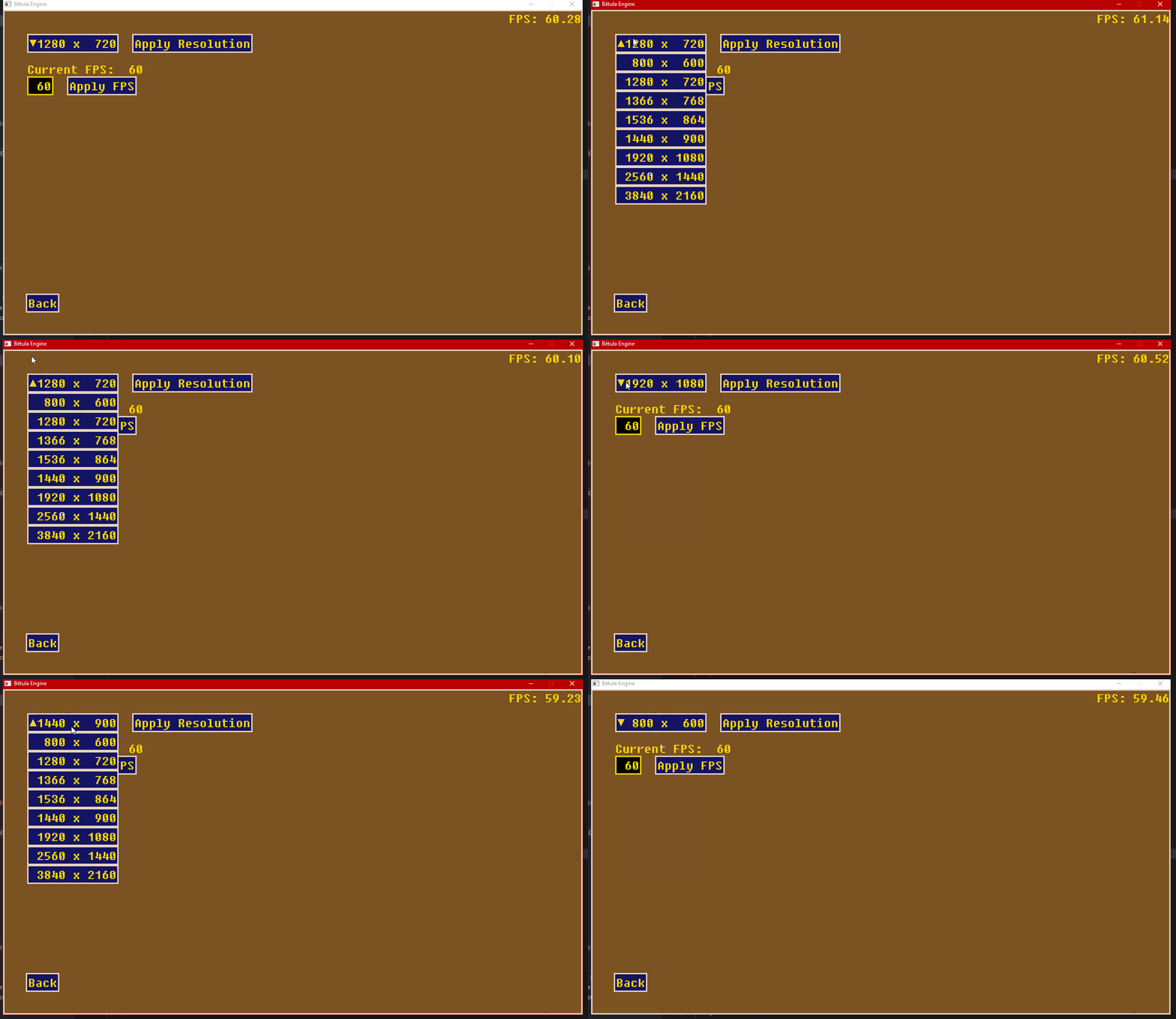
Trust me, it looked way uglier before